Light
For dark backgrounds
Files
lockup-light.svglockup-light.pngRunware · Brand
This page provides essential guidance and assets for the correct use of Runware trademarks and brand materials. It is designed for any team that incorporates Runware branding into product, marketing, or partner work. Following these guidelines preserves the clarity and consistency of our identity.
01 — Assets
The lockup pairs our icon with the wordmark. It is the primary and official expression of the Runware identity.
Use the lockup wherever space allows. Choose the light variant on dark surfaces and the dark variant on light surfaces — never recolor it.
For dark backgrounds
Files
lockup-light.svglockup-light.png
For light backgrounds
Files
lockup-dark.svglockup-dark.pngDownload all lockup files
4 files in runware-lockup.zip
02 — Assets
Our icon is a condensed expression of the brand. It can stand alone when context already establishes Runware.
Reach for the icon in tight headers, product chrome, social avatars, and any composition that benefits from a single mark.

Primary social, avatar and app icon
Files
icon-color.svgicon-color-256.pngicon-color-512.pngicon-color-1024.pngicon-color-2048.png
For dark backgrounds
Files
icon-light.svgicon-light.png
For light backgrounds
Files
icon-dark.svgicon-dark.pngDownload all icon files
9 files in runware-icon.zip
03 — Assets
The wordmark is the logotype on its own. Use it when the icon is impractical or when the surrounding layout already carries the visual signal.
Keep the same color rules as the lockup — light on dark, dark on light, no recoloring or effects.

For dark backgrounds
Files
wordmark-light.svgwordmark-light.png
For light backgrounds
Files
wordmark-dark.svgwordmark-dark.pngDownload all wordmark files
4 files in runware-wordmark.zip
Bundle
One zip with every SVG and PNG across all groups, organized by folder.
Full brand asset bundle
17 files in runware-brand-assets.zip
Spacing
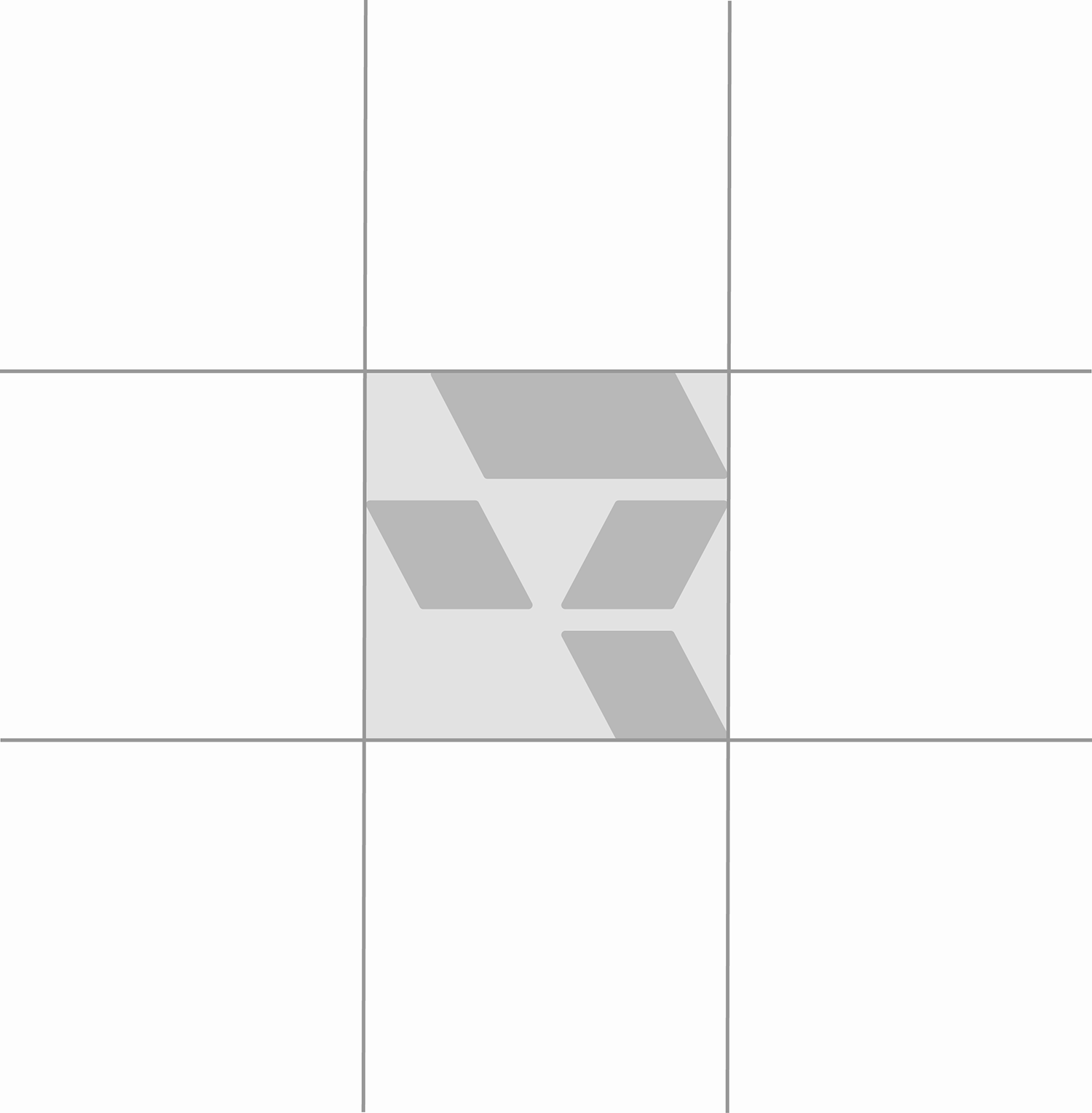
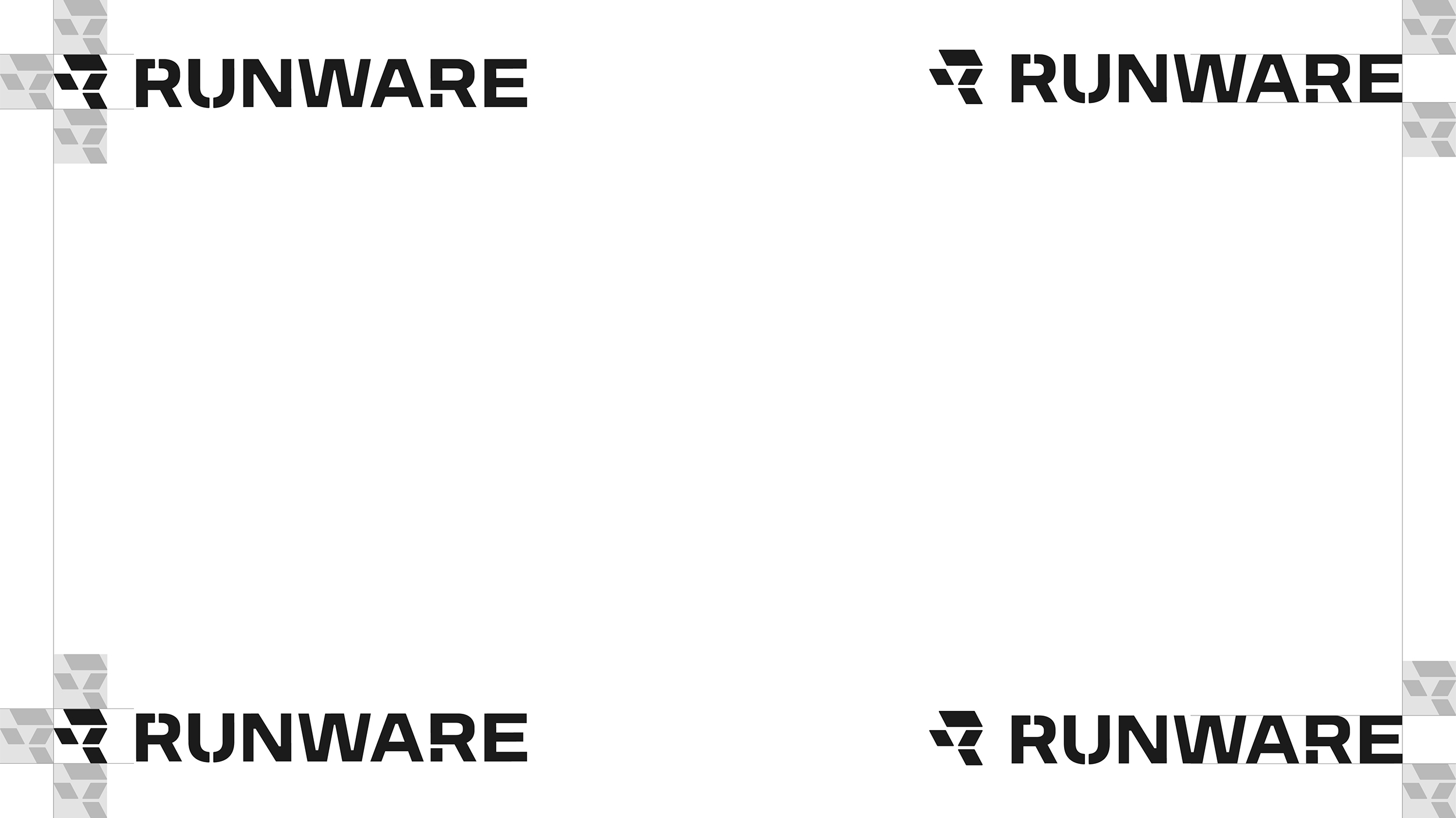
Keep the lockup separate from other graphics and copy. A good rule-of-thumb is to apply a clear area that is equal to the height and width of the R-icon.
Misuse
The logo is not a canvas. Don't stretch it, recolor it, drop a shadow on it, add effects, or rebuild it from approximate parts.